
Introduction:
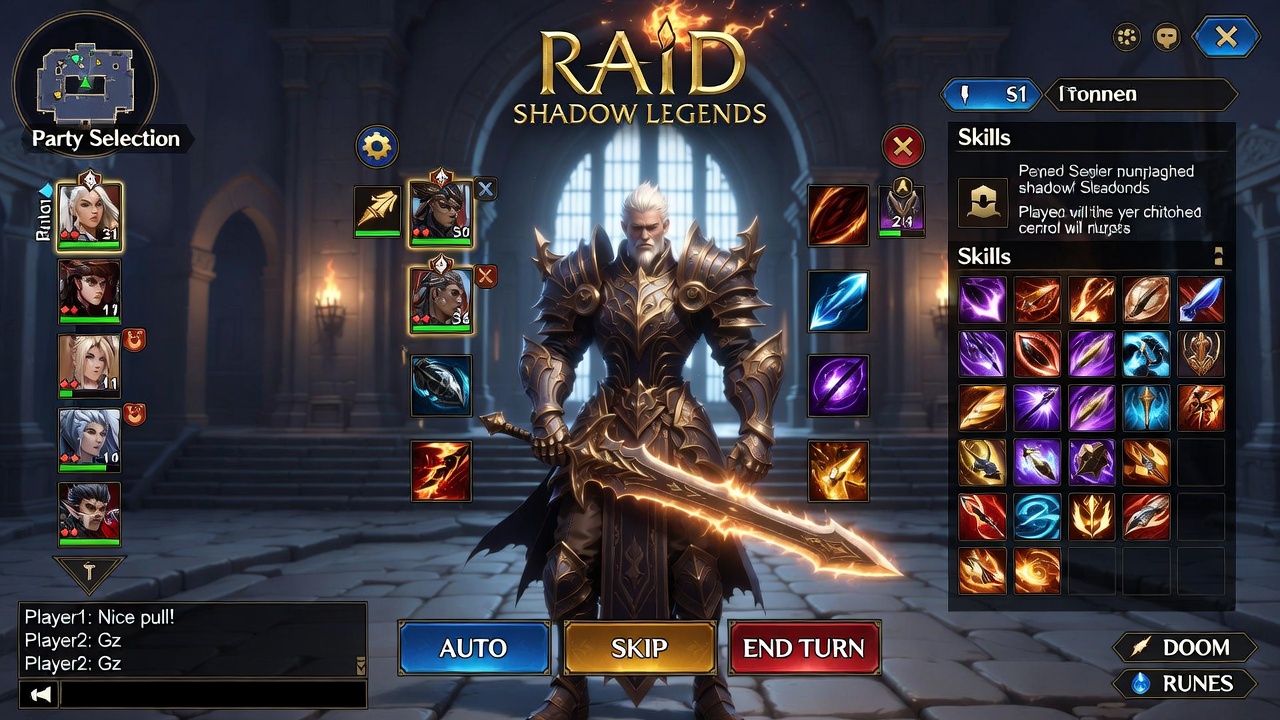
Raid Shadow Legends has become one of the most popular mobile RPGs in the gaming world. With its immersive graphics, hundreds of collectible heroes, and strategic gameplay, it attracts millions of players worldwide. While designed for mobile devices, playing Raid Shadow Legends on PC offers a superior experience with better visuals, controls, and performance.
In this ultimate guide, we’ll show you step by step how to play Raid Shadow Legends on PC, discuss the best utilities to enhance your gameplay, and provide tips for maximizing your in-game progress.
Why Play Raid Shadow Legends on PC?
Many gamers wonder why they should switch from mobile to PC. The advantages are significant:
1. Better Graphics and Larger Screen
Playing on a PC allows you to enjoy Raid Shadow Legends in full HD or even 4K resolution, bringing out the stunning details of each hero and battlefield. The larger screen makes it easier to strategize and manage multiple battles at once.
2. Improved Controls
Using a keyboard and mouse gives players more precise control over hero abilities and faster navigation. Keymapping tools allow you to emulate touch controls for an optimal experience.
3. Stable Performance
Unlike mobile devices, PCs rarely experience overheating or battery drain during long gaming sessions. You can enjoy uninterrupted gameplay for hours.
4. Multitasking Made Easy
PC emulators allow you to run multiple instances of the game, helping you manage multiple accounts simultaneously or perform tasks in the background.
Step 1: Choose the Right PC Emulator
To play Raid Shadow Legends on PC, you need an Android emulator. Emulators create a virtual mobile environment on your computer. Here are the best options:
BlueStacks
-
Highly popular and reliable.
-
Advanced keymapping tools.
-
Smooth graphics for high-end PCs.
NoxPlayer
-
Lightweight and ideal for older or low-spec PCs.
-
Easy setup and simple interface.
-
Supports multiple instances.
LDPlayer
-
Optimized for gaming.
-
High FPS support.
-
Multi-instance manager for farming resources.
Tip: Always download emulators from official websites to avoid malware.
Step 2: Install Raid Shadow Legends on PC
Once your emulator is installed, follow these steps:
-
Open the emulator and sign in with your Google account.
-
Open Google Play Store within the emulator.
-
Search for “Raid Shadow Legends” and click Install.
-
Launch the game, adjust settings for optimal performance, and start your adventure.
Step 3: Sync Mobile Progress with PC
Raid Shadow Legends allows you to save and sync progress across devices:
-
Link your account with Facebook or a Plarium ID.
-
Enable cloud saves on your mobile device.
-
Log in on PC to continue your progress seamlessly.
Pro Tip: Always ensure your mobile progress is synced before switching to PC to avoid losing data.
Step 4: Essential Utilities for PC Gameplay
To enhance your experience, several utilities can make playing Raid Shadow Legends on PC easier and more efficient.
1. Keymapping Tools
Emulators like BlueStacks and NoxPlayer allow you to map touchscreen controls to your keyboard and mouse. Assign skills, movement, and attacks for faster reaction times.
2. Macro Tools
Macros automate repetitive tasks like farming campaign battles or collecting daily rewards. This is especially helpful for resource management and leveling heroes quickly.
3. Screen Recording Software
Record gameplay for tutorials, guides, or streaming. Tools like OBS Studio or Bandicam work well for capturing high-quality footage without affecting performance.
4. FPS Boosters
Emulator settings can be adjusted to improve frame rates, reduce lag, and make gameplay smoother. Adjust resolution, graphics quality, and allocate more CPU/RAM if your PC allows.
Important: Avoid hacks or cheat utilities. They can result in permanent account bans. Only use official or safe tools to enhance gameplay.
Step 5: Tips for Optimal PC Gameplay
To dominate Raid Shadow Legends on PC, follow these expert tips:
-
Adjust Graphics Settings: Depending on your PC, set graphics to medium or high to balance performance and visual quality.
-
Use Multi-Instance Wisely: Farm resources efficiently by running multiple accounts simultaneously.
-
Monitor System Resources: Make sure the emulator does not consume too much RAM or CPU to avoid slowdowns.
-
Join Active Clans: Clans offer valuable rewards, PvP opportunities, and team strategies.
-
Plan Campaign Farming: Use macros or set auto-battle to grind in campaigns efficiently.
Best Heroes to Use on PC
Playing on PC makes it easier to manage heroes strategically. Some heroes perform better in PvP or PvE:
-
Kael: Great starter hero with high AoE damage.
-
Aothar the Silent: Strong tank and leader for PvE campaigns.
-
Miscreated Monster: Effective for boss battles with crowd control.
-
Madame Serris: Excellent for arena battles with debuff skills.
Pro Tip: Use keymapping to assign each hero’s skills for quick and precise execution during battles.
Common PC Issues and Fixes
Even with the best setup, you might encounter minor issues:
1. Game Lag
-
Lower graphics settings or allocate more RAM to the emulator.
-
Close background apps to free system resources.
2. Emulator Crashes
-
Ensure your PC meets the minimum requirements.
-
Update graphics drivers and emulator software.
3. Sync Problems
-
Check cloud save settings.
-
Log in with the same account on both mobile and PC.
4. Macro Not Working
-
Make sure the macro software is compatible with your emulator.
-
Test the macro in smaller battles before applying it to farming.
Advanced Strategies for PC Players
Playing on PC allows for advanced strategies:
-
Team Formation: Rotate heroes for maximum synergy in campaign and arena battles.
-
Resource Management: Use multiple instances to farm gold, silver, and shards more efficiently.
-
PvP Domination: Keymapping ensures faster reactions and precise skill usage during arena battles.
-
Event Optimization: PC utilities can help you complete daily and weekly events faster, maximizing rewards.
Conclusion
Playing Raid Shadow Legends on PC is more than just a convenience—it’s a way to enhance every aspect of the game. From smoother graphics and precise controls to better multitasking and utility tools, the PC experience brings a whole new level of immersion.
By using emulators, syncing accounts, leveraging keymapping and macro tools, and following expert tips, you can dominate dungeons, PvP battles, and campaigns like never before.
Start your journey on PC today, summon legendary heroes, and experience Raid Shadow Legends in a whole new way!
